Overview
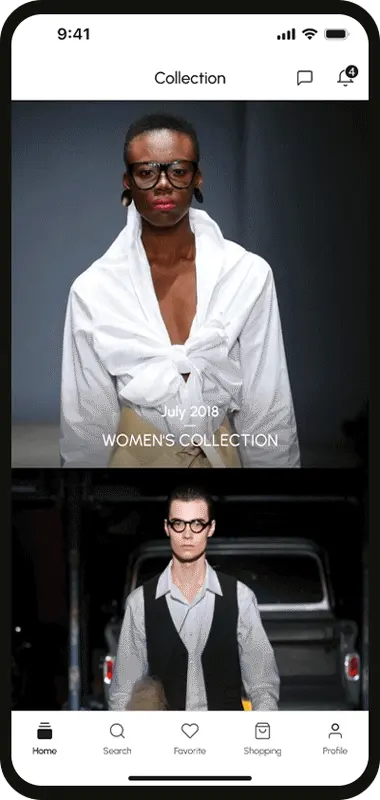
Dexter Inc. is a company that offers innovative solutions for enterprise clients, focusing on providing seamless digital experiences. I was brought on as a UX/UI Designer to enhance the user experience across their platform and create a visually appealing, intuitive design. The goal was to improve user engagement and streamline the platform’s functionalities for a smoother user journey.
Role
UX/UI Designer, Visual Designer
Responsibilities
UI design, UX research, Visual design, Branding
Challenges
The Dexter platform had a complex feature set that often confused users, particularly newcomers, due to its unintuitive navigation. There were also issues with design consistency across different pages, creating a fragmented user experience. Additionally, the lack of a clear onboarding process made it difficult for new users to get up to speed quickly, contributing to a steep learning curve and user frustration.
Approach
To address these challenges, I began by conducting user research through interviews to uncover pain points and understand user expectations. I then designed wireframes and prototypes to iterate on user flows and refine the visual direction. A design system was implemented to ensure consistency, while simplifying the navigation structure to create a more intuitive experience. I also developed an onboarding flow to guide new users through the platform, making it easier to get started and reducing friction.
Project goals
- Create online product store with secure payments, detailed descriptions, and promotions.
- Add Blogs screen so user can able to get news about events and fashion.
- Add user support/chat feature so user can able to connect and can ask his specific questions about product.
User Flow
The user flow starts with a clean and minimalist homepage that directs users to essential features, followed by an easy account setup process. Once logged in, users are taken to a personalized dashboard that aggregates key metrics. From there, they can explore various features through a simplified menu structure, taking action via clear calls to action. The flow is designed to ensure users can quickly find what they need, with support and feedback options available for seamless assistance.
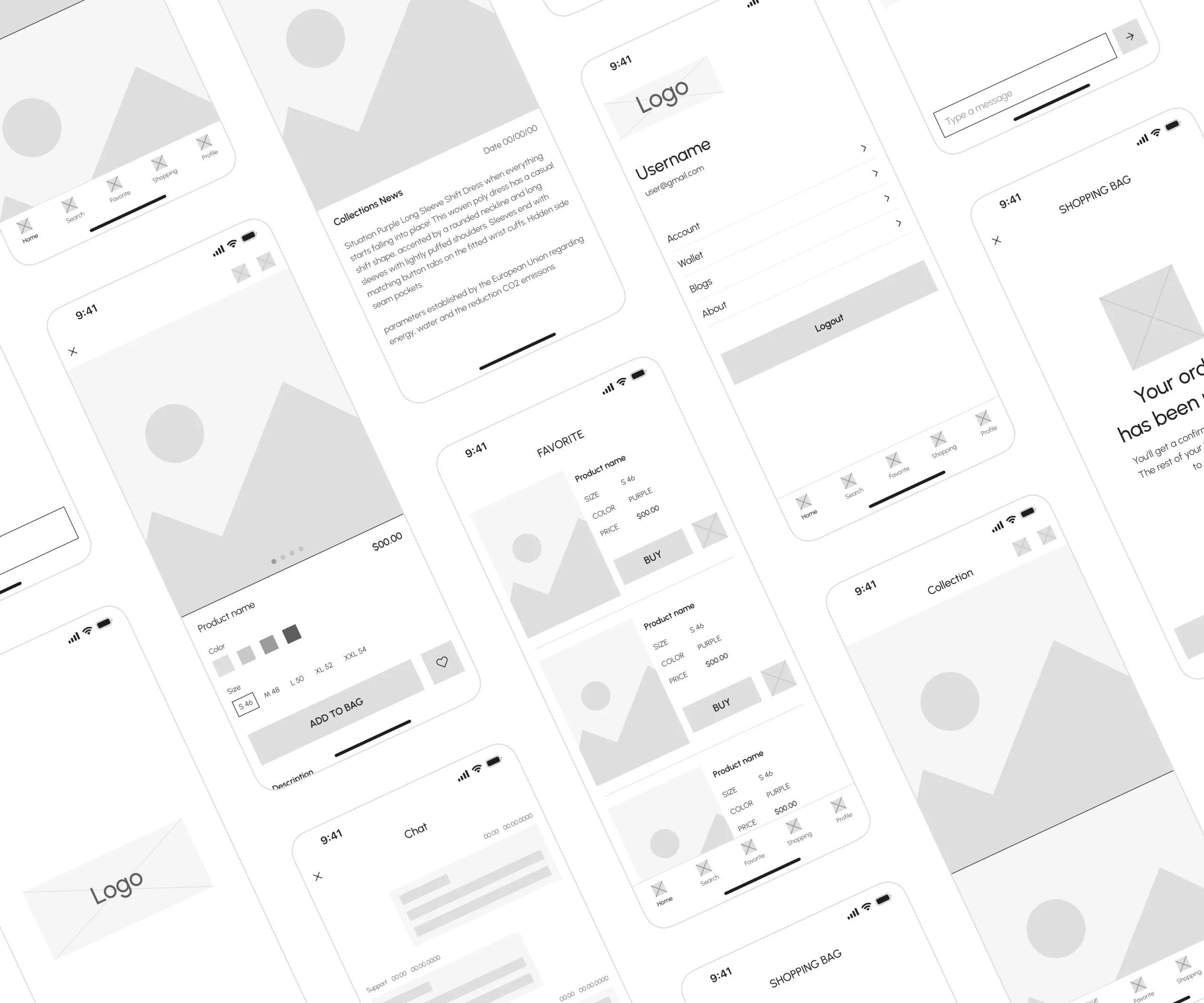
Low-fidelity Prototype
After defining the information architecture, I created low-fidelity designs to translate conceptual ideas into tangible layouts. These designs served as blueprints for the interface’s basic structure, layout, and functionality. Through iterative refinement and feedback, I aligned the designs with user needs and design objectives before advancing to higher-fidelity iterations.
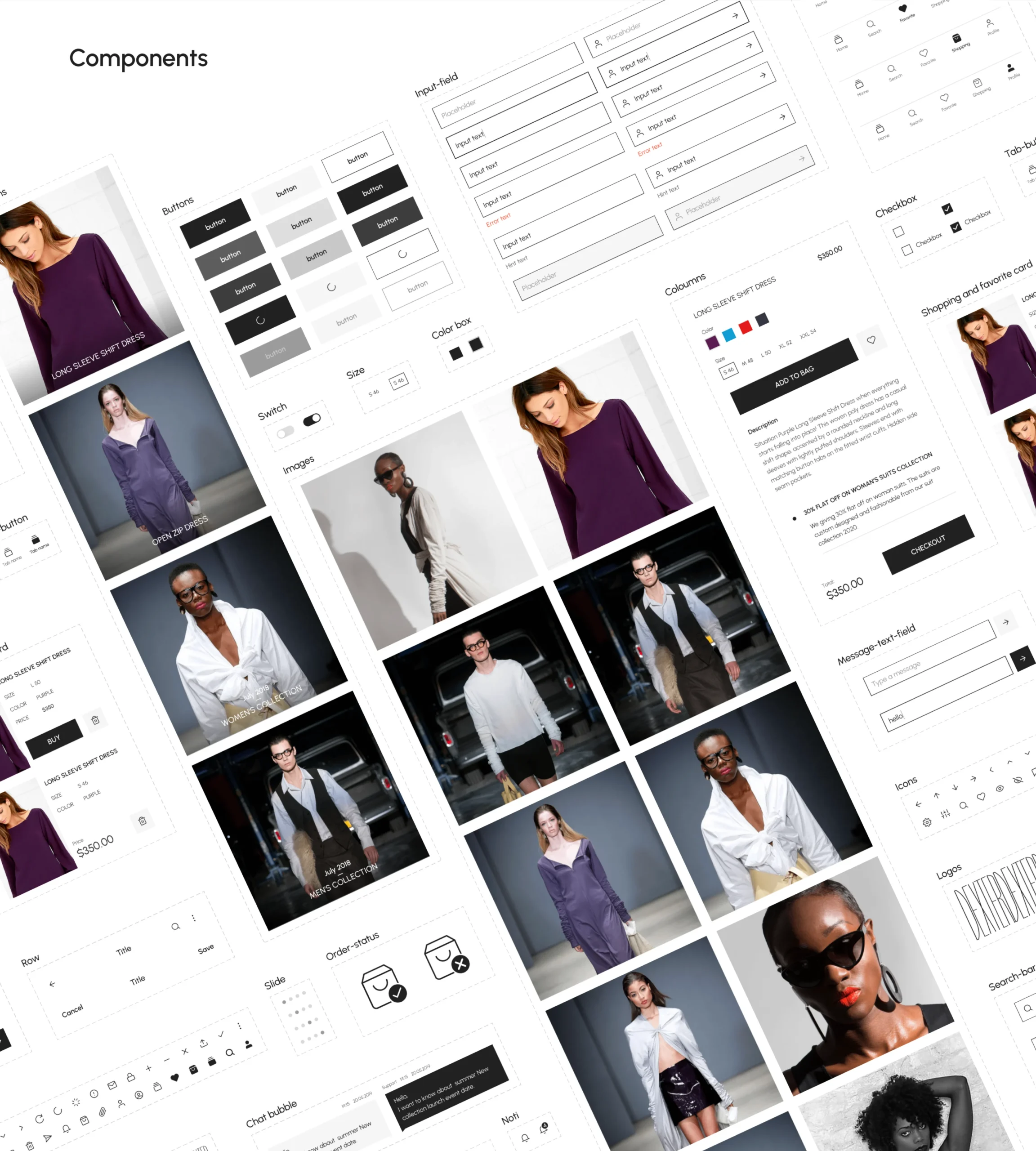
Design system
The design system includes key details about the color palette, such as hex codes and transparencies, and typography, including font types, weights, and sizes. Additionally, I developed a collection of components with relevant variants, ensuring their reusability throughout the design process.
BRINGING IT ALL TOGETHER
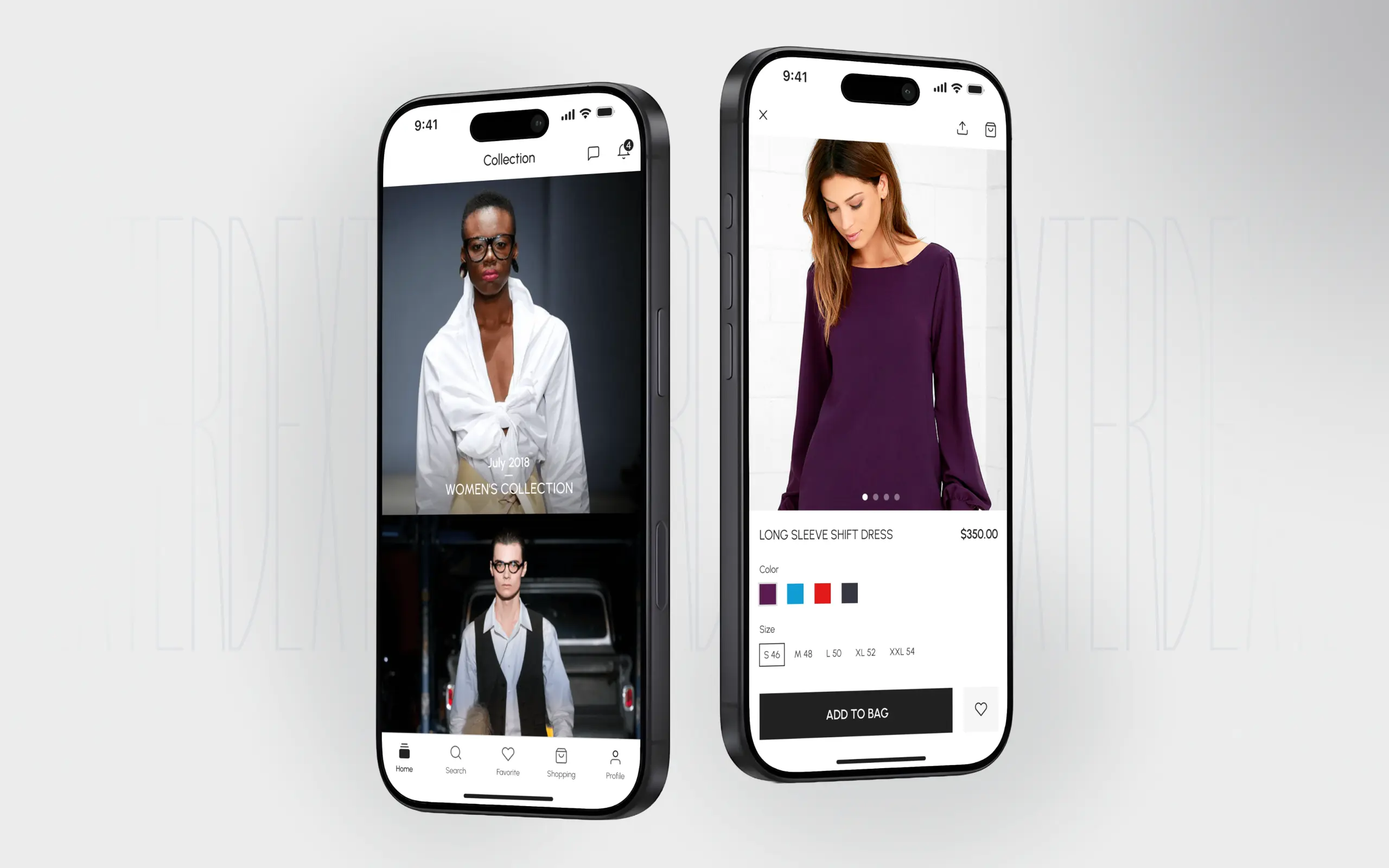
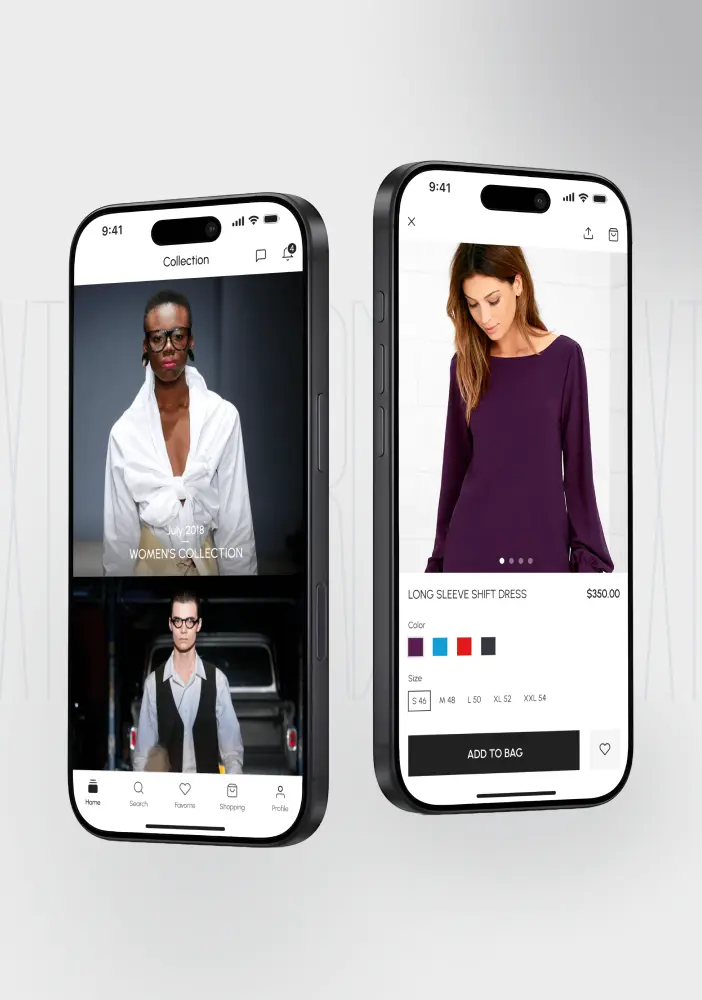
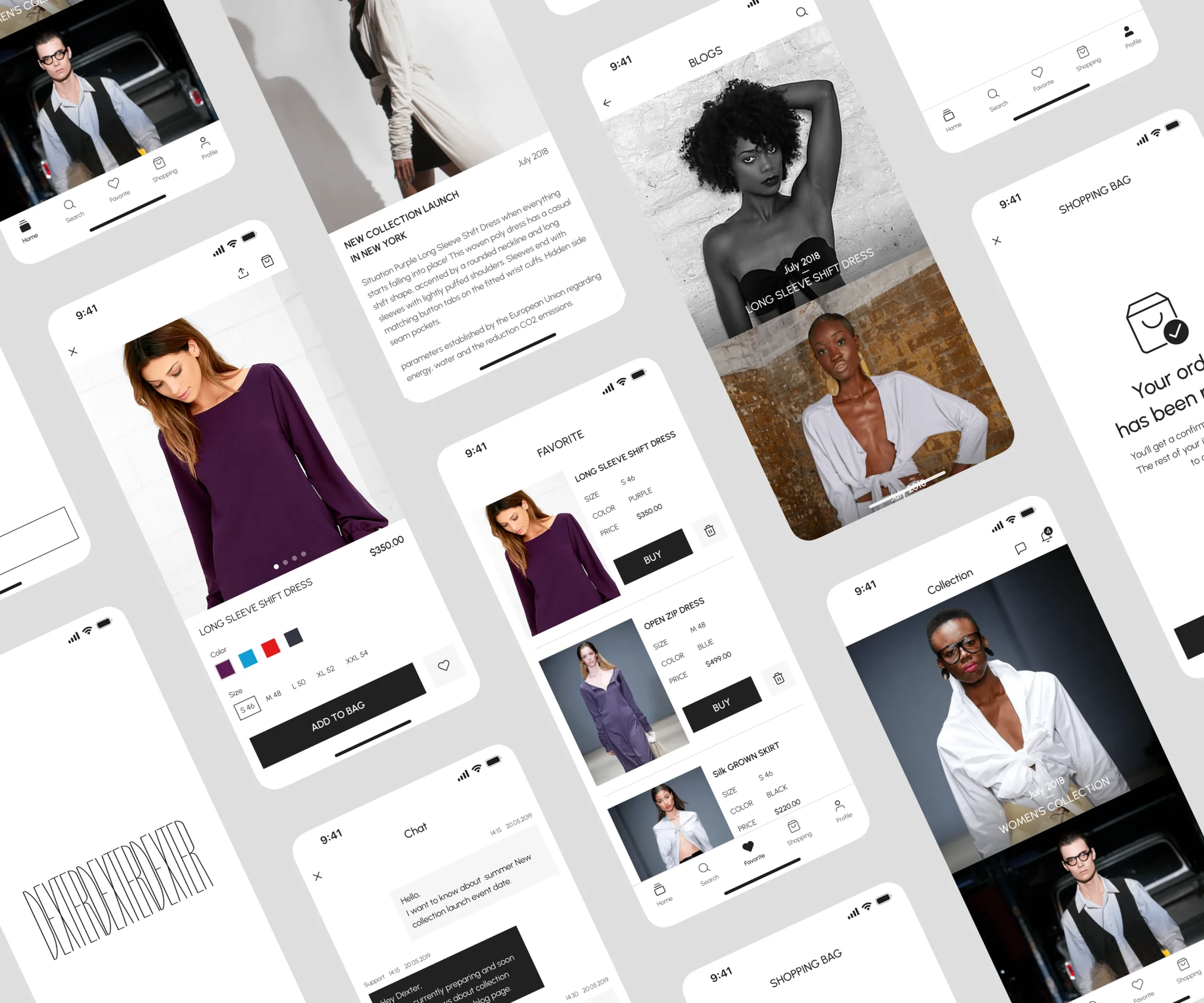
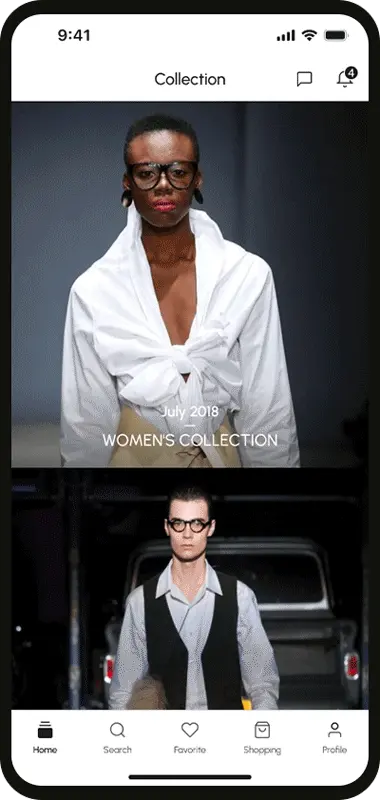
At this stage, all that’s left is bringing all the elements together— the features defined in the initial mockups, the app layout derived from the sitemap, and the UI features according to the design system.
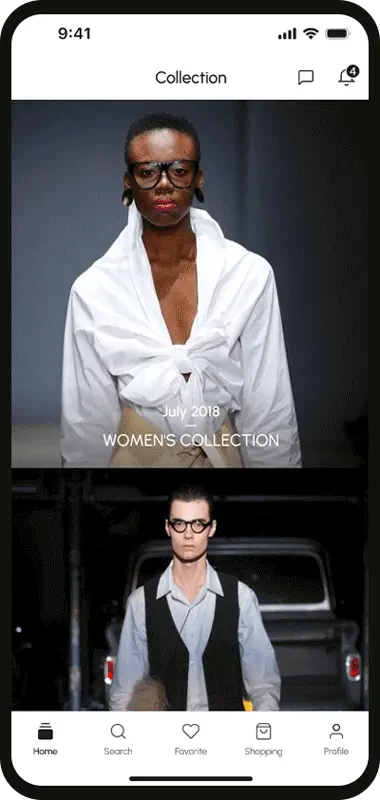
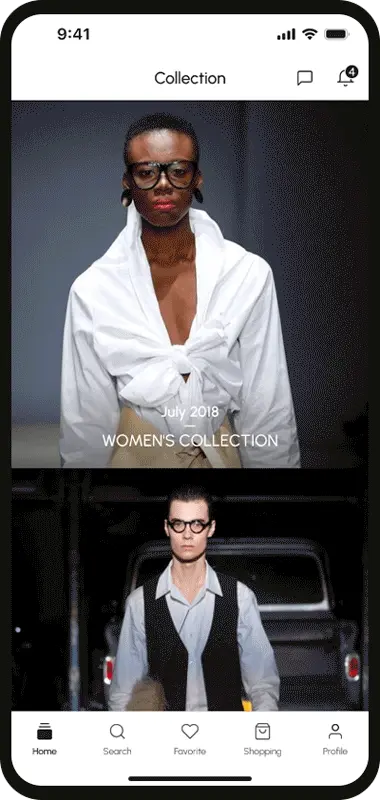
Product Collection
Product view and details
Shopping bag & Favorite
News feed
Chat & Notification
Final Thoughts
After releasing a private beta version to test the results in a controlled environment, several adjustments were made post-launch. Thanks to the insights gained from previous research and usability tests, we were able to establish a strong foundation for scaling the app effectively.
Given that most individuals seek apparel that aligns with their personality, it is imperative to craft clothing that strikes a balance between functionality and aesthetic appeal to cater to diverse preferences. With this objective in mind, the application boasts a clean, minimalist, and modern design. This project provided a rewarding opportunity to delve deeper into the fashion industry, allowing for continuous learning and growth in this dynamic field.